
How to choose an audio baby monitor: the ultimate guide


Knowing how to choose an audio baby monitor effectively means weighing sound clarity, connection type, alert reliability, and long-term value. This guide examines each factor so you can make a confident, informed choice for your family. Whether you are selecting a baby monitor for the first time or reconsidering your current setup, the sections below cover the main criteria. You can also use the smart audio WiFi baby monitor as a reference point.
Choose the right audio monitor for your baby
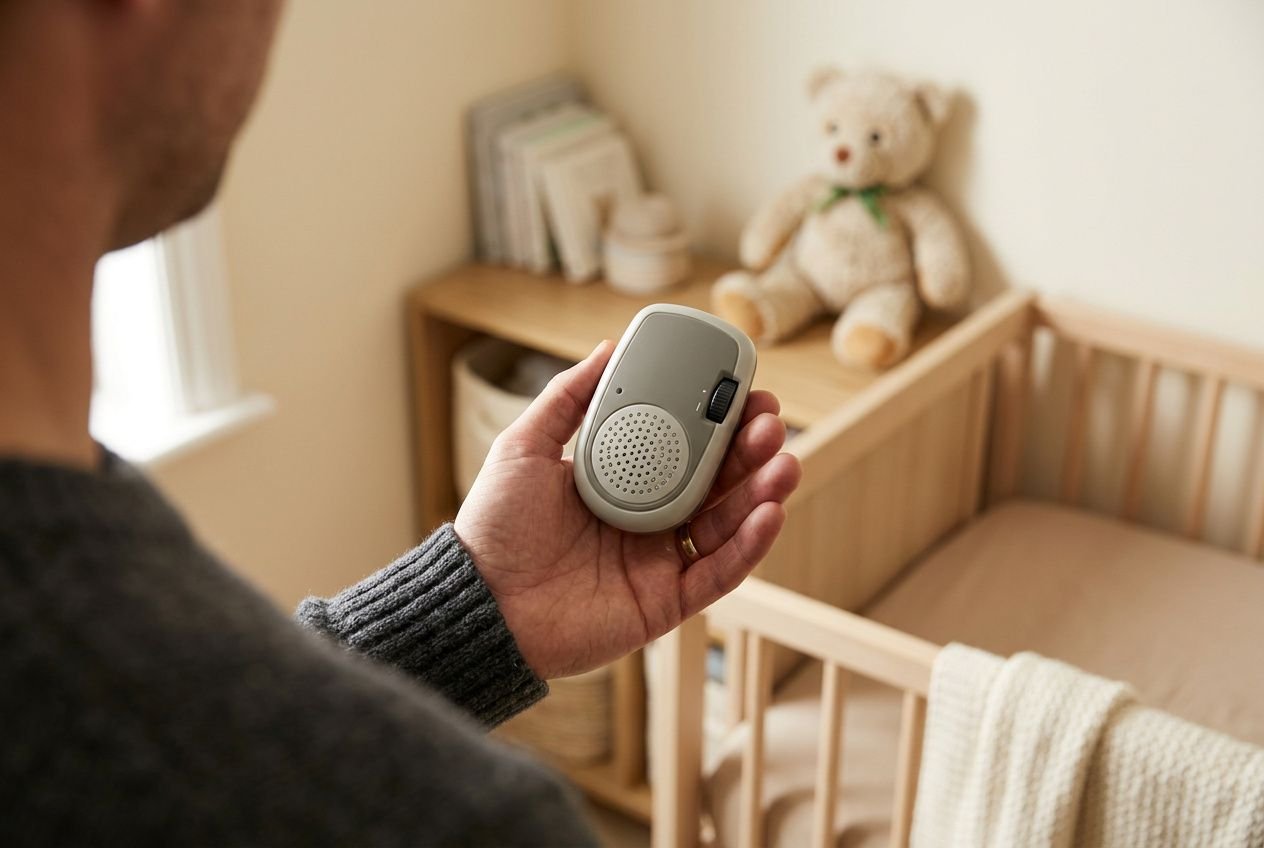
An audio baby monitor is the original and simplest form of baby monitoring. A microphone in the nursery captures sound and transmits it to a parent device, allowing you to hear your baby without staying in the same room. Before buying, understand what this type of baby monitor does well and where its limits lie, so your expectations match the device you choose.
Start with your family's needs
The best starting point for learning how to choose an audio baby monitor wisely is an honest assessment of your home, daily routine, and listening needs. Measure the distance between the nursery and the rooms where you spend most of your time. Consider thick walls, several floors, and interference from furniture. Then decide whether remote access outside the home would be useful. Comparison resources such as smart baby monitor app options can help clarify these decisions early.
- Home layout Map the distance and obstacles between the nursery and your usual locations; signal strength can vary considerably according to walls, floors, and building materials.
- Remote access needs Decide whether you need to monitor your baby only at home or also from work, the garden, or while travelling.
- Caregiver setup Consider how many adults need simultaneous access. Some systems allow a grandparent or babysitter to listen from another device.
Audio-only baby monitors suit families whose main concern is detecting cries and maintaining basic communication, without paying for video features. They are lighter, often easier to set up, and may offer longer battery life than video alternatives. If you simply want to hear your baby stir during a nap or overnight, this baby monitor type provides the essentials at a proportionate price.
Prioritize clear sound and alerts
When you are selecting a baby monitor, sound quality is usually one of the most important criteria. Crackling, distortion, or robotic artifacts can make it difficult to distinguish genuine distress from ordinary room noise. Clear audio helps you decide calmly whether your baby needs attention. Test the monitor in realistic conditions, checking how reliably the signal travels through walls and across floors.
VOX, or Voice Activated Alert, activates the audio feed only when it detects sound above a defined level. This saves battery power and reduces the constant background hiss that can become tiring during a long night. The parent unit remains quiet during undisturbed sleep, then activates when your baby stirs. Sound quality remains essential, because VOX can only perform accurately when the underlying transmission is clear.
Adjustable sensitivity provides more control than a fixed alert level. A monitor that lets you choose how faint a sound triggers an alert can reduce false alarms without overlooking genuine waking signals. This is particularly useful during daytime naps, when household noise is often higher. Look for a slider or graduated setting rather than a simple on-off switch, allowing you to calibrate the alert for each sleep period. The information on using your REMI audio baby monitor explains this process in practice.
Decide if two-way talk matters
Two-way talk allows you to speak through the parent unit while your voice plays from the nursery speaker. It can settle a baby who stirs during a nap or reassure a toddler in the early hours, reducing unnecessary trips and supporting a return to sleep with minimal intervention. Not every family will use this feature often, but it can be valuable for light sleepers, particularly during the first months.
REMI includes a walkie-talkie function that enables communication in both directions through the app. Press and hold the Talk button to broadcast your voice to the device in the room; release it to stop transmission and restore listening mode. This makes remote communication straightforward, whether you are nearby or farther away. Because REMI operates over Wi-Fi, the two-way talk function works wherever your smartphone has a connection, extending its usefulness beyond the home.
Compare local and Wi-Fi baby monitor connections
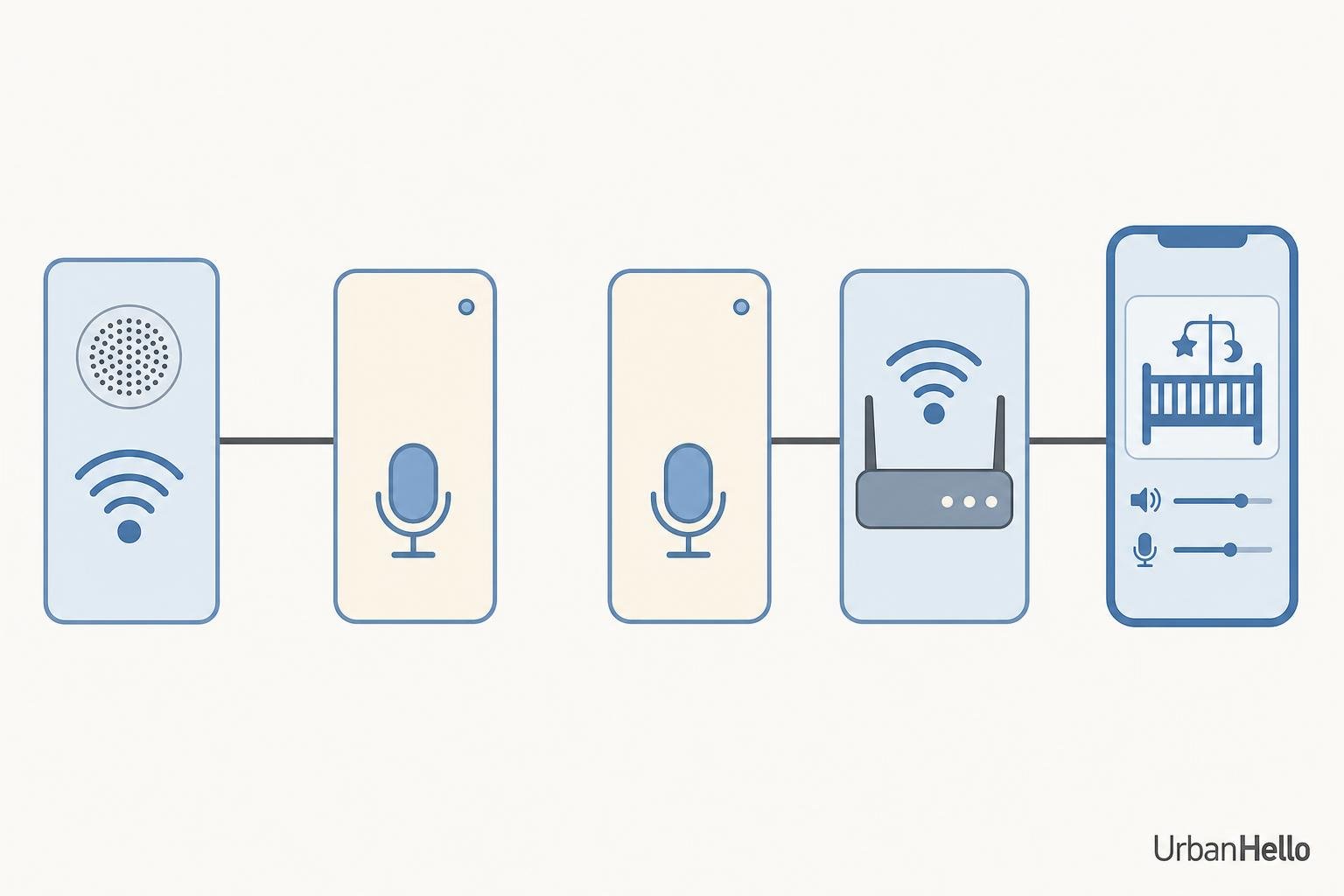
It determines where you can listen, who can monitor your baby, and what happens if the signal fails. The two main options are local radio-frequency transmission through a dedicated parent unit and Wi-Fi transmission through a smartphone app.
Local radio-frequency monitoring
For parents looking for the best baby monitor that works with no Wi-Fi, a local radio-frequency model is the direct option. It uses a closed signal between the nursery unit and a parent receiver, without an internet connection. Setup is simple and does not depend on your home network's stability. Non-Wi-Fi monitors are a sensible choice for families with unreliable internet, parents who prefer to avoid cloud connectivity, or anyone who values straightforward operation.
A local radio-frequency monitor typically operates within approximately 500 to 1,000 feet, although this figure applies to open-air conditions. Thick walls, concrete floors, and metal structures can reduce the effective range considerably. This limitation matters in multi-storey homes and properties with complex layouts. The EU baby monitor safety guidelines also offer useful context on product standards for any monitor you consider.
Local models generally cannot connect to a smartphone app or provide access to a caregiver at another address. If a grandparent or babysitter needs to monitor your baby from elsewhere, you would need an additional parent unit, provided the manufacturer supports one.
Wi-Fi access from anywhere
Choosing the best audio baby monitor with support for remote access requires careful consideration of Wi-Fi-enabled models. These devices send sound through an internet connection to a smartphone app, allowing you to hear the nursery from another room, building, or country, provided both devices are online. This broad access suits parents who travel, work shifts, or share caregiving across different locations.
A digital audio baby monitor such as REMI works entirely through its app. It lets you listen to your baby, speak to them, and receive customizable sound notifications wherever your smartphone has connectivity. Multiple caregivers can use the same device simultaneously from separate phones, which is useful when two parents, a grandparent, or a babysitter need independent access. The limitation is equally clear: stable internet is essential, and a network interruption can stop remote listening and alert delivery.
Test range in real conditions
Test the monitor in the areas where you spend time during the evening and night before relying on it overnight.
- Nursery to bedroom Check audio clarity through the wall or floor separating your baby's room from where you sleep. This is the most important path.
- Nursery to living spaces Confirm that the signal remains stable while you cook, watch television, or move between rooms.
- Outdoor or garden areas If you spend time outside during warmer months, check whether the signal or app connection remains reliable at that distance.
For Wi-Fi monitors, connection reliability depends on router proximity and home network quality, not only on physical distance. A monitor placed too far from the router, or in a room with weak coverage, can create gaps in alert delivery even when all equipment is inside the same building. A mesh network or better-positioned router may resolve the issue.
| Feature | Local radio-frequency monitor | Wi-Fi app-based monitor |
| Range | 500–1,000 feet (open air) | Unlimited (internet required) |
| Remote access | No | Yes, via smartphone app |
| Multi-caregiver access | Limited (extra parent unit needed) | Yes, multiple devices simultaneously |
| Internet dependency | None | Required for monitoring |
| Privacy exposure | Low (closed network) | Managed through encryption and secure pairing |
| Setup complexity | Low | Moderate (app pairing needed) |
Your choice depends on whether remote access, multi-caregiver coordination, or independence from the home network matters most. Consider privacy, security, and everyday safety alongside convenience when choosing a monitor.
Assess audio quality, alerts, and useful extras
Once you have identified your preferred connection type, evaluate what the monitor delivers in daily use: how clearly it captures sounds in your baby’s room, how reliably it sends an alert when something changes, and whether its additional features support sleep without complicating your routine.
Know when audio-only is enough
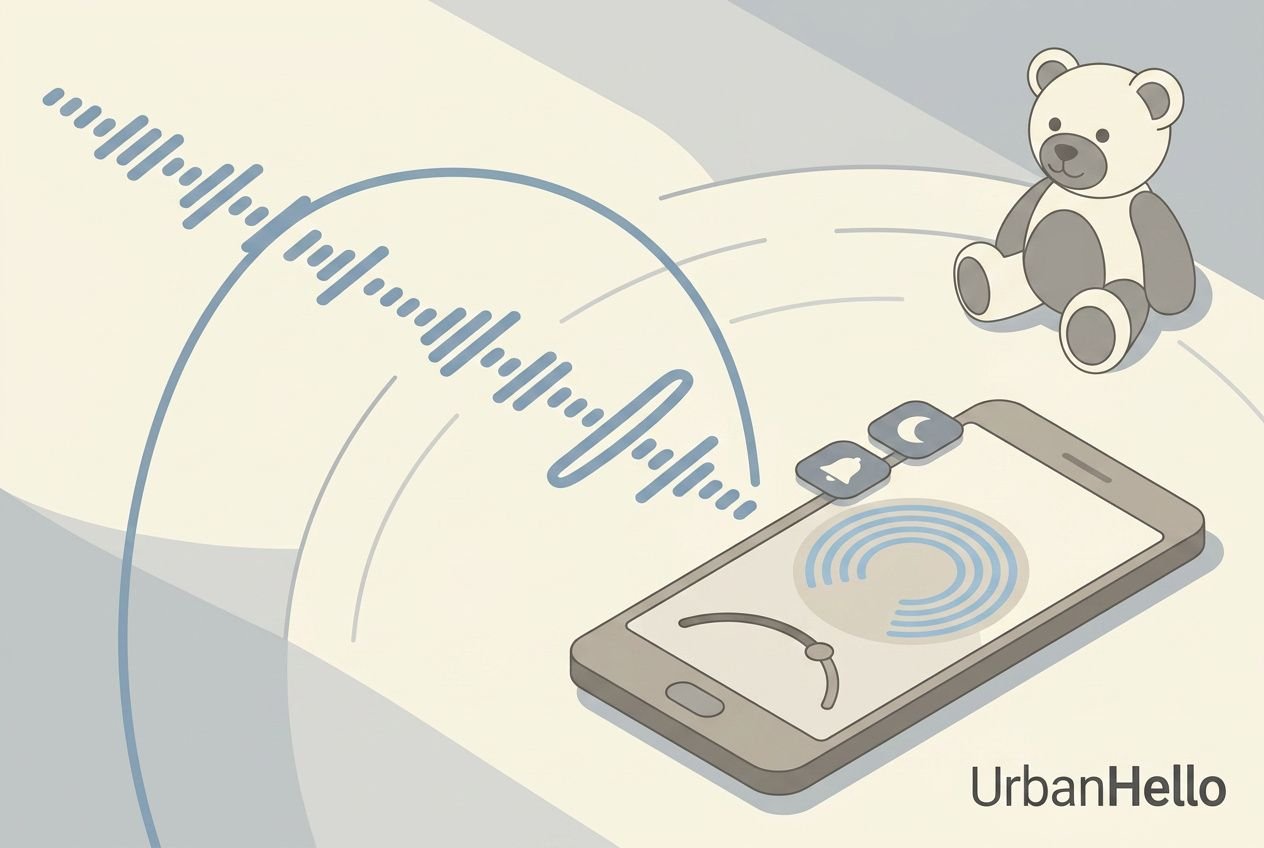
Audio-only baby monitors meet the essential need of knowing when your baby cries, stirs, or wakes, without the added cost or setup of a video system. If you are considering the best baby monitor with screen and app, compare that choice with your actual needs. A screen increases the price and may add features that families focused on sound detection do not need. Clear audio, adjustable alerts, and two-way communication cover the essentials for many families during infancy and beyond.
Set sound alerts that fit
Advice on how to choose an audio baby monitor, whether it comes from a specialist, a guide, or parenting communities such as Reddit discussions on how to choose an audio baby monitor, regularly highlights adjustable sensitivity. A fixed threshold leaves you with the manufacturer’s settings, while an adjustable one lets you match the monitor’s response to your child’s sleep patterns and the background noise in your home.
- Low threshold setting Captures faint sounds, including quiet stirring or soft vocalisations, making it suitable for light sleepers and newborns during the earliest months.
- High threshold setting Responds only to louder sounds, reducing unnecessary notifications when your baby is shuffling or making gentle noises during a nap.
- 10% threshold for waking detection REMI recommends this level for detecting a sleeping baby who is beginning to wake, providing an early alert before full crying starts.
- 70% threshold for active play At this level, the monitor alerts you only when a child plays loudly or shouts, making it more appropriate for older children than for newborn monitoring.
REMI’s alert system resets only after the noise falls below the selected threshold for approximately two to four minutes. This prevents repeated notifications from one brief episode while preserving genuine monitoring. You adjust the setting with a slider in the app, making it easy to recalibrate as your baby’s sleep patterns evolve through different developmental stages.
Choose extras with real value
Beyond sound detection, several features can improve the overnight monitoring experience. App-controlled volume, background notifications that continue while you use other phone functions or answer calls, and access for multiple caregivers are particularly useful. Together, they make monitoring less disruptive to your sleep and daily routine, especially during the demanding early months.
Room-temperature monitoring, remote nightlight control, lullaby playback, and sleep tracking can bring several bedtime tools into one interface, reducing the number of devices on a nursery shelf. REMI includes these functions in its app, helping you create a consistent, personalised bedtime routine with scheduled lullabies and a soft nightlight that dims automatically. Their value depends on how well they support reliable sleep practices, rather than on the length of the feature list alone.
Keep your baby monitor safe and worthwhile
Choosing a baby monitor involves more than features and price. Physical safety in the nursery, data protection for connected devices, and the long-term cost of ownership all matter when you choose a model. A monitor can become expensive if poor placement creates risk, encryption is weak, or essential functions require ongoing subscriptions.
Set up safely and securely
Position the unit and every cable entirely out of your child's reach, since entanglement creates a genuine hazard in the sleep environment. Review the nursery arrangement regularly as your baby becomes mobile. A location that was safe at three months may no longer be suitable at seven.
- Cable management Route every power cord away from the crib and keep it out of reach. Secure excess length with cable ties fixed to furniture or walls.
- Encrypted communication Choose a monitor with secure, encrypted communication and a pairing process that prevents unauthorized devices from accessing the audio feed, even if login credentials are compromised.
- Two-factor authentication Activate two-factor authentication on your monitor account and keep the app updated, so newly identified vulnerabilities can be addressed promptly.
- Public Wi-Fi caution Avoid connecting your monitor to hotel or public Wi-Fi networks. The risk of unauthorized access to audio is significantly higher there than on a private home network.
No consumer baby monitor, regardless of its features or price, should be relied upon to prevent sudden infant death syndrome or sudden unexpected infant death. Only FDA-authorized devices are validated for vital-sign tracking; consumer monitors serve an entirely different purpose. Their safety value lies in helping you hear your baby and respond promptly, not in providing clinical monitoring. Keeping these roles distinct helps you maintain realistic expectations.
Plan a realistic budget
The purchase price of a baby monitor is only one part of its true cost. Some connected models place useful functions, such as cloud storage, advanced alerts, or sleep reports, behind monthly or annual subscription fees that accumulate over years of use. When comparing products, check whether core app functions are available without a recurring fee and whether proprietary accessories carry a premium price when replacements are needed.
REMI's core monitoring functions—listening, two-way talk, sound notifications, and nightlight control—are available through its app without a required subscription. This creates a clear long-term cost advantage. The device uses the included charger and a wall outlet, providing stable, continuous power for overnight monitoring without the battery life constraints of portable units. You avoid the uncertainty of a monitor that may run low during the night.
Choose value that grows
A monitor designed only for the earliest months of infancy represents a limited investment, especially when a child outgrows its functions during the first year. Devices that adapt to development offer better value by meeting changing needs instead of requiring complete replacement. REMI's animated face displays an awake or sleeping expression, turning a simple audio monitor into a recognizable and reassuring nighttime companion. As children grow, they can understand and respond to it more independently, supporting healthy sleep habits.
Beyond infancy, REMI continues as a smart sleep trainer, walkie-talkie, story box with downloadable audio content, Bluetooth speaker, and classic alarm clock. Managed through a single app with no mandatory subscription, the device grows alongside your child rather than sitting unused in a drawer. If you are ready to invest in a monitor built for the long term, discover REMI and its full range of features to see how it can support your family from the first nights at home through the early school years.
Frequently asked questions
What is the difference between a local radio-frequency monitor and a Wi-Fi audio baby monitor?
A local radio-frequency monitor uses a dedicated, closed signal between the nursery unit and a paired parent receiver. It requires no internet connection and typically works within 500 to 1,000 feet.
A Wi-Fi monitor sends audio through your home network and a companion app, so you can hear and speak to your baby from almost anywhere your phone has connectivity. The local model is simpler and more private by design, while the Wi-Fi version offers unlimited range, access for multiple caregivers, and app-based alert control.
How do I set the right sound sensitivity on an audio baby monitor?
Sound sensitivity determines which noises trigger an alert on your parent device. A low threshold captures faint stirring, which can suit a newborn or light sleeper. A higher threshold filters for louder sounds and reduces unnecessary notifications during active sleep.
On REMI, a threshold of around 10% is recommended for detecting a sleeping baby beginning to wake, while around 70% is suggested for a child playing or shouting. Adjust the setting according to your child's age, sleep habits, and the ambient noise level in your home.
Why is REMI a strong long-term choice as an audio baby monitor?
REMI is designed to remain useful well beyond infancy, making it a cost-efficient option for families planning ahead. As an audio baby monitor, it supports listening and two-way talk from anywhere through its app, with customizable sound alerts and no required subscription for core functions.
As your child grows, REMI becomes a sleep trainer with an animated face that signals when it is time to wake up. Later, it can serve as a walkie-talkie, story box, Bluetooth speaker, and alarm clock, supporting independent sleep routines through age 10 and beyond.
Share this article:





Similar posts
How to train toddler sleep: the best method for your toddler
Discover effective toddler sleep training tips and step-by-step methods to help your toddler fall asleep independently and stay in their own bed all night.
Best kids' alarm clock: compare every clock to wake up right
Find the best kids' alarm clock for every age. Compare ok-to-wake clock features, alarm sounds & wake-up lights to choose the perfect clock for your child.