
Best baby monitor with app: Nanit and smart baby monitor picks


Finding the best baby monitor with an app for your family requires comparing devices that promise clearer video, greater safety, and reassurance during the night. It considers each feature, privacy, price, and long-term usefulness so you can choose a monitor suited to your household.
How to choose a baby monitor app
An app-enabled baby monitor places a camera or audio device in the nursery and connects it to a smartphone or tablet. Parents can then check the baby’s room remotely. Available systems generally fall into four groups: Wi-Fi, local-video, hybrid, and audio-only.
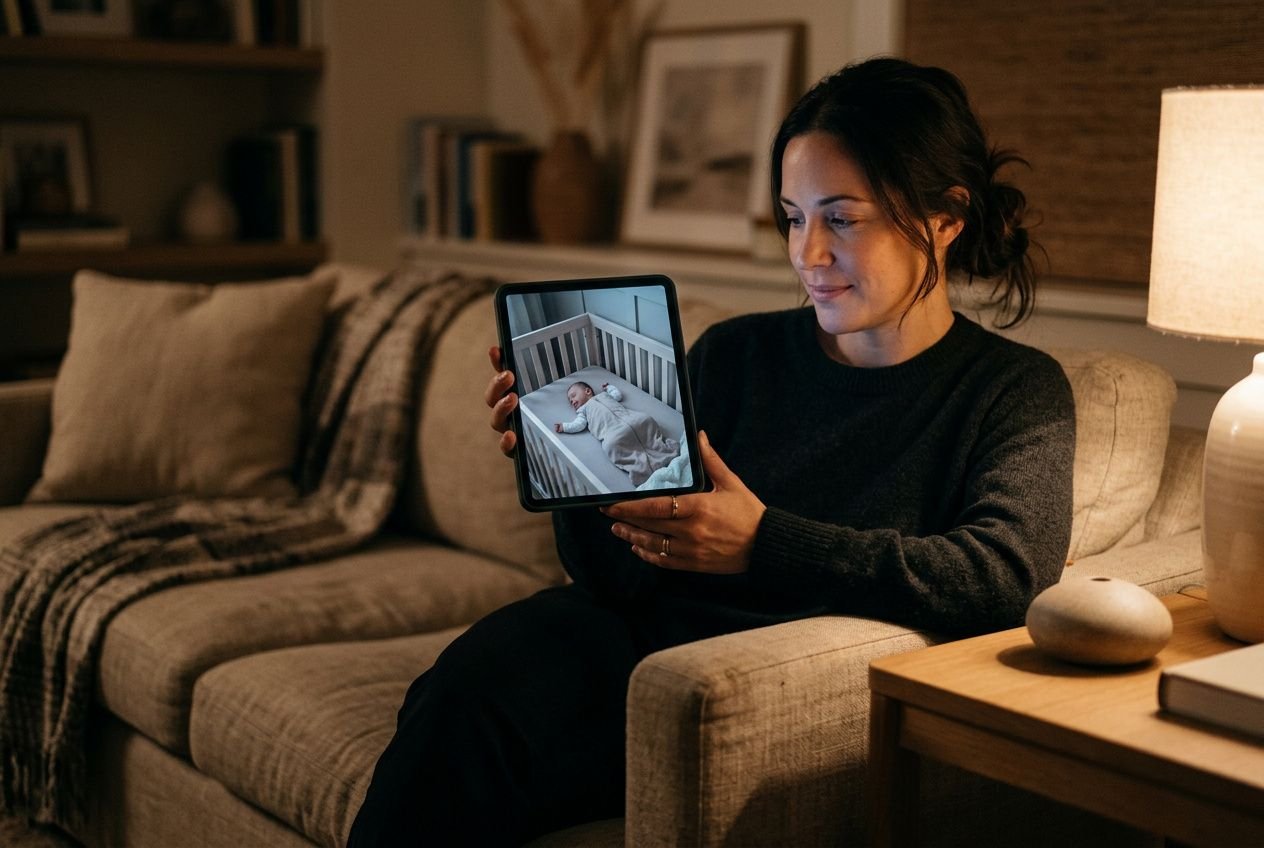
What parents expect from a monitor app
When a parent looks for the best baby monitor with an app, four functions usually matter most: live streaming, real-time alerts, two-way audio, and access for several caregivers. A dependable monitor should continue sending notifications while the smartphone is handling another task. If an alert disappears during a phone call, the system loses much of its practical value.
- Background notifications The app should send sound and movement alerts while the parent uses another application or receives calls on a smartphone.
- Multi-caregiver access Two or more adults, such as both parents, a grandparent, or a babysitter, should be able to monitor the baby from separate devices at the same time.
- Two-way audio Hearing your child and speaking through the app can provide reassurance when you are settling a baby from another room or while travelling.
Some systems limit caregiver access or video storage to a paid plan, so check the free version’s conditions before buying. Owner feedback can also reveal whether the app remains stable and whether its notifications arrive reliably.
Choose between Wi-Fi and local monitoring
Wi-Fi monitors send footage through an internet connection, allowing parents to check the nursery from almost anywhere using a companion app. This can help working parents and those who travel. Local-video models use a dedicated parent unit and generally operate within roughly 500 to 1,000 feet, without requiring an internet connection. Their simpler design can suit families who prefer monitoring at home.
The camera, connection, video quality, and notification behaviour remain central to a safe routine.
A monitor with impressive specifications but unstable connectivity or delayed real-time alerts can increase anxiety. Choose a well-supported system whose app, video monitor, and parent unit work consistently for your daily needs.
A higher price can be reasonable when the system provides dependable monitoring, while a simpler option may be sufficient for local use.
Nanit smart baby monitor features and value
The Nanit smart baby monitor is a comprehensive video monitor for parents who want detailed insight into their baby’s sleep rather than a simple live feed. Knowing what comes included, and what costs extra, helps you set realistic expectations before purchase.
Why Nanit appeals to data-driven parents
The Nanit Pro records your baby’s sleep patterns in detail and turns them into a nightly score. This gives parents a structured view of how their baby’s sleep develops over time. If you are looking for the best baby monitor without a subscription, note that Nanit’s advanced analytics require a paid membership after an initial free period of three to six months, depending on the package.
- Sleep analytics: The app consolidates this data into clear trends, making it easier to spot changes in your baby’s rest.
- Environmental monitoring: Nursery temperature and humidity appear in real time in the app, helping parents maintain a comfortable, consistent sleep environment.
- Flexible camera placement: The Nanit Pro camera can be wall-mounted, placed on a floor stand without drilling, or positioned on furniture with a multi-stand to suit different nursery layouts.
The Nanit Pro can pair with up to five cameras, which is useful for families monitoring several rooms or children in the same household. Two-way talk, remote zoom, nature sounds, and white-noise playback are available through the camera system, making everyday interaction with the nursery simple from the app. When parents use sleep data to adjust a baby’s routine, this depth of information may justify the premium position.
Costs beyond the Nanit camera
Once the initial free membership ends, the feature-rich Nanit app requires an annual subscription. The free tier still provides live streaming, night-light control, and access for one additional caregiver. Full sleep history, time-lapse recordings, and multi-user sharing require ongoing membership, so include that cost in your budget. By comparison, the Infant Optics DXR-8 Pro is a non-Wi-Fi alternative with a 5-inch 720p display, remote pan, tilt, and zoom, temperature monitoring, multi-camera support, and active noise reduction. It requires neither a subscription nor an app, making it suitable for families who prefer a self-contained system.
Families who need audio monitoring alone may find Nanit’s video-focused price difficult to justify. The camera needs a continuous power connection and a stable Wi-Fi network to provide its full feature set.
Nanit Pro smart baby monitor safety tools
The Nanit Pro offers breathing monitoring as an optional safety feature for the early months. When breathing is not detected, the system sends a red alert to the parent’s phone and the camera unit. This monitoring function can reassure families with newborns, but it does not replace medical advice or safe-sleep practices.
- Breathing-band detection: A dedicated band around the baby’s tummy enables the camera to track breathing movement and alert parents if motion stops.
- Compatible sleep clothing: Nanit also offers swaddles, sleep sacks, and pajamas printed with monitoring patterns, providing breathing tracking through clothing instead of a separate accessory.
- Smart Sheets growth tracking: Nanit’s Smart Sheets use visual pattern recognition through the overhead camera to help parents monitor their baby’s growth over time.
- Sound and movement alerts: The system sends configurable notifications when the camera detects noise or movement, allowing parents to choose thresholds suited to their baby’s usual sleep patterns.
The Nanit breathing band is intended for the early months and may provide peace of mind to parents of newborns. It is not an FDA-cleared medical device and does not replace safe-sleep guidance.
The right choice depends on whether your priority is data, connection flexibility, or a simpler monitor with fewer ongoing costs.
Top picks beyond the Nanit video monitor
Nanit is not the only capable option in the connected baby monitor market. Several competing devices offer distinct strengths, including FDA-cleared vital-sign tracking, AI-powered danger alerts, and subscription-free sleep tracking. These top picks cover different family priorities, from clinical-style data to reliable, private, local monitoring without cloud dependency.
Medical-style vitals and breathing options
For parents seeking physiological reassurance beyond movement sensing, the Owlet Dream Duo 3 tracks heart rate and blood oxygen through pulse oximetry. It is FDA-cleared for babies from one to 18 months. Owlet’s core vital-sign features work without a subscription, which distinguishes the system from products that place meaningful data behind a recurring fee.
At the more accessible end of the market, VTech offers monitors such as the VM819. It uses 2.4 GHz FHSS transmission instead of Wi-Fi, providing strong range and battery life without requiring an app.
- Owlet Dream Duo 3 Tracks heart rate and blood oxygen through pulse oximetry; it is FDA-cleared for babies aged one to 18 months, with core vital-sign data available without a subscription.
- VTech VM819 Uses FHSS wireless transmission for a 1,000-foot range, two-way talk, remote zoom, and excellent battery endurance. No Wi-Fi or cloud account is needed.
- Miku Smart Baby Monitor Uses machine vision to interpret breathing movement from the camera image, eliminating the need for a wearable device on the baby.
- Harbor monitor Works with or without Wi-Fi, includes a 10-inch dedicated parent unit, stores footage locally without cloud upload, and provides crying detection with automatic clip recording.
The Miku Smart Baby Monitor is a strong choice for parents who want non-contact breathing tracking. It streams 1080p HD video with 256-bit encryption, supports simultaneous streaming on multiple devices, and can continue streaming locally over home Wi-Fi if the wider internet connection drops. Its sleep tracking is subscription-free, so parents retain access to overnight data without committing to an annual plan. That is an important difference from systems that restrict historical analytics to paying members.
Movement monitors generally become less reliable once a baby begins rolling over, because changes in position can trigger false alarms. The Owlet’s sock-based pulse-oximetry sensor may remain useful longer than basic motion-pad solutions because it monitors physiological signals rather than physical displacement. Choose according to the developmental stage that concerns you most, and consider how the device’s capabilities may evolve as your baby becomes more independent.
AI alerts and playback features
The CuboAi Smart Baby Monitor 3 brings AI-based detection to a category that has traditionally relied on simple sound or movement thresholds. Its alerts cover crying, coughing, covered-face detection, rollover events, and user-defined danger zones in the nursery.
Its video quality reaches 2.5K QHD resolution at 2560 x 1440 pixels, producing sharp footage that remains clear when digital zoom is used to check on a sleeping baby. One of the most practical features is the 72-hour continuous playback buffer. Within the CuboAi app, parents can drag a cursor to review any moment from the previous three days, making it easier to understand why a baby woke at a particular time or examine an overnight period without relying on manually triggered clips.
The CuboAi app is compatible with Android 12 and above and iOS 14 and above. Account activation with live streaming can begin approximately two minutes after setup.
Families seeking the best baby monitor without any Wi-Fi dependency may prefer the Harbor monitor. It operates fully through a local connection, keeps footage on the device, and uses its 10-inch parent unit to provide a large, clear display without a cloud account. This design removes subscription costs and external data-sharing concerns, which suits families who place simplicity and privacy above an extensive feature list.
A monitor for local privacy
Local monitors avoid sending video and audio through external servers, offering a direct privacy advantage over cloud-connected alternatives. Footage remains within the home network, so there is no external account to protect and no cloud provider whose servers could be compromised. This architecture appeals to parents who take digital security seriously and prefer a monitor that operates independently of an internet service provider.
For these families, combining a dependable local monitor for use at home with a carefully selected app for occasional remote access can provide a balanced solution. A hybrid model such as the Motorola PIP1710 Connect retains the consistency of a dedicated parent unit through a direct FHSS connection while allowing remote smartphone check-ins over Wi-Fi. Parents can therefore continue monitoring from outside the home when needed.
A smart baby monitor may offer extensive tracking, video quality, and security features, while a local monitor can provide greater privacy and dependable battery performance. Assess the connection, camera, night viewing, and monitoring tools that matter most for your family before deciding.
Recommended products
Baby monitor options without Wi-Fi
Not every family needs a baby monitor connected to the internet. For a parent who values a stable, private in-home connection over remote access, local and hybrid monitors provide a reliable alternative to fully Wi-Fi-dependent systems. They avoid cloud storage concerns and subscription fees while often delivering strong battery performance—important during the long night hours of early parenthood.
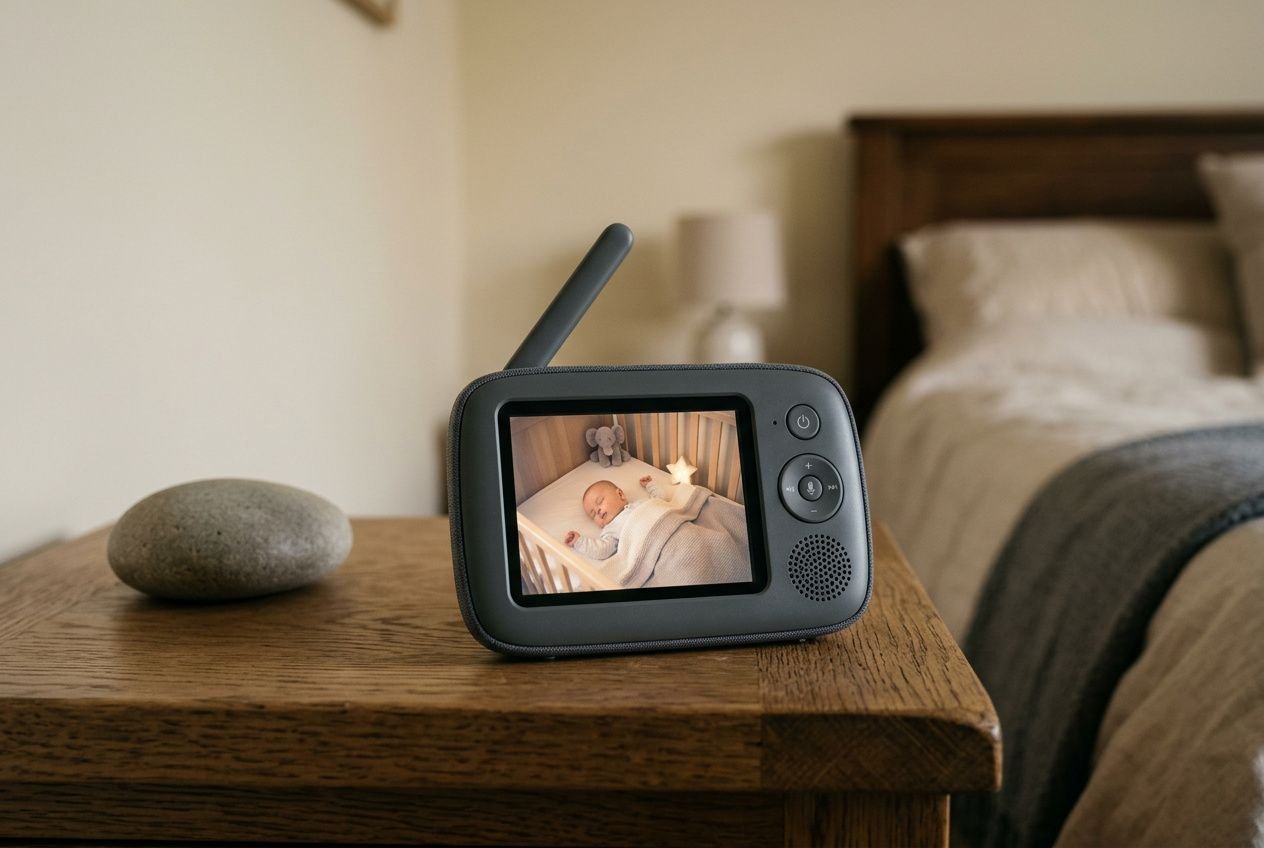
When a dedicated monitor is better
A dedicated monitor with its own parent unit, rather than a smartphone app, suits families who want a device that stays available without interrupting phone calls or relying on a data plan. Parents searching for the best baby monitor with a free app should also consider what free monitoring actually limits: access for only one additional caregiver, restricted clip history, or no sleep analytics, features often reserved for paid tiers. A local monitor removes those restrictions by eliminating the app entirely.
Dedicated devices also tend to provide consistent audio quality because the parent unit receives sound through a direct radio-frequency link instead of a server. This connection reduces latency and prevents a short internet outage from interrupting overnight monitoring. For families who spend most evenings at home with their baby, that simplicity may be more useful than a feature-rich cloud system requiring stable broadband.
VTech and Infant Optics alternatives
Among respected non-Wi-Fi options, the VTech VM819 and the Infant Optics DXR-8 Pro stand out for different reasons. The VTech VM819 uses 2.4 GHz FHSS transmission. It offers a 1,000-foot range. It also includes two-way talk and remote zoom without Wi-Fi or monthly fees. The Infant Optics DXR-8 Pro has a 5-inch 720p HD display, remote pan, tilt, and zoom, nursery temperature monitoring, multi-camera support, and active noise reduction.
In testing, the VTech VM819 parent unit lasted approximately 17.5 hours with the screen on and nearly 29 hours with it off, among the strongest results recorded for a dedicated baby monitor. The Infant Optics DXR-8 Pro uses a replaceable 2800mAh battery, providing around six hours of screen-on time at maximum brightness. Parents can therefore swap batteries during an extended night instead of waiting for a recharge.
- VTech VM819 range A 1,000-foot operational range with FHSS transmission, two-way talk, and remote zoom, all working without Wi-Fi or a cloud account.
- VTech VM819 battery life Up to approximately 17.5 hours of screen-on use and nearly 29 hours with the screen off, giving the portable parent unit exceptional endurance.
- Infant Optics DXR-8 Pro display A 5-inch 720p HD screen with active noise reduction and a replaceable battery, providing private monitoring without a subscription.
- Motorola PIP1710 Connect A hybrid monitor combining a dedicated 5-inch touchscreen parent unit through a direct FHSS connection with optional Wi-Fi smartphone viewing in an app.
Its parent unit works independently of the internet at home, while optional app access enables remote check-ins when needed. This arrangement suits parents who work outside the home during the day but prefer a dedicated device at night, when uninterrupted monitoring supports everyone's rest.
Free app monitoring with two phones
A two-smartphone setup using a baby monitor app offers an economical option for families who already own compatible devices. One smartphone remains in the nursery as the transmitter, ideally plugged in overnight to preserve its battery, while the other acts as the parent receiver and connects through Wi-Fi or mobile data for a live audio and video feed. Apps such as Bipfun's Universal Baby Monitor use this model, turning existing hardware into a monitoring system in under five minutes. Vous pouvez explorer une comparaison plus large dans notre guide des meilleures applications de sommeil pour bébé.
The two-phone approach works well for naps or travel, but it creates dependencies that a dedicated monitor avoids. Both devices must remain charged and connected, the nursery phone's battery drains faster when its screen stays active, and notifications may not break through while the parent phone is in use. For overnight monitoring of babies, the nursery smartphone should remain plugged in, with low-power mode active to support consistent performance throughout the night.
A secure baby monitor that grows with children
Choosing a baby monitor involves more than comparing specifications. You also need to consider privacy practices, data security, and how long the device will remain useful as your child develops. A monitor designed only for the earliest months can represent a limited investment, whereas one that evolves alongside your child may provide value for years.
Privacy and safe baby monitoring basics
Wi-Fi-connected monitors transmit live audio and video through internet infrastructure, making their security practices an important selection criterion. Using one on hotel or public Wi-Fi can create risks of unauthorized access. The most rigorous systems use strong encryption, require two-factor authentication, and receive regular app updates to address emerging vulnerabilities. Research into connected nursery devices, including the smart cradle baby monitoring system, continues to emphasize end-to-end encryption and local data processing as strong protections.
- Use trusted networks only Connect your Wi-Fi monitor exclusively to a home network you control. Avoid hotel, café, or other public connections where access cannot be verified.
- Enable two-factor authentication Activate two-factor authentication on your monitor account to reduce the risk of unauthorized access if your password is compromised.
- Update apps regularly Keep the monitor app current. Security patches help address newly discovered vulnerabilities and protect the camera feed.
- Prefer encrypted communication Choose a monitor that uses end-to-end encryption between the camera and the app, helping prevent audio and video data from being intercepted in transit.
These tools may alert caregivers to anomalies, yet they are not approved medical devices for SIDS prevention and should never replace safe-sleep practices recommended by pediatric health authorities. Movement-based alerts may also produce more false alarms once a baby starts rolling over. Consider this when assessing how important the feature will remain over time.
REMI audio monitor and app benefits
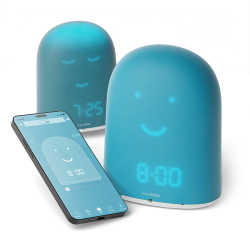
REMI is a Wi-Fi audio baby monitor with encrypted communication and secure key-exchange pairing during installation, so only authorized devices can access the monitor's feed. Through the REMI smart baby monitor app, available free on iOS and Android, parents can listen and talk to their child from anywhere in the world using two-way audio. Adjustable sound sensitivity provides real-time alerts and instant notifications when a baby stirs.
The app also tracks sleep patterns each night, monitors room temperature with instant alerts, controls a remotely adjustable nightlight with brightness levels from 1 to 10, and plays soothing audio from a personalized playlist. These functions are available through one interface, with no subscription required for its core features. For a detailed explanation of daily use, the REMI daily use guide explains listening, walkie-talkie operation, sound-threshold adjustment, and nightlight control step by step.
A trusted companion beyond baby years
REMI differs from many monitors because it can evolve with your child instead of becoming obsolete after the first year. Its animated face shows a sleeping expression at bedtime and a wakeful one at wake-up time, turning the device from a passive monitor into a familiar, reassuring presence.
This OK-to-wake function teaches young children to respect sleep schedules independently, helping reduce early-morning disturbances and support healthy sleep habits through the toddler and preschool years.
Beyond baby monitoring, REMI works as a walkie-talkie, a story box with access to the REMI Store's audio content, a Bluetooth speaker, a sleep tracking tool, and a conventional alarm clock. Parents can create personalized bedtime playlists, configure weekly wake-up and bedtime schedules with automated nightlight and lullaby settings, and add custom audio files directly from a computer.
REMI is designed for use from birth through age 10 and beyond, offering lasting value rather than a narrow period of usefulness. For families comparing monitors by longevity and overall value, it combines a free app, encrypted connection, and a design that children can recognize as a companion rather than equipment.
Frequently Asked Questions
The right choice depends on what a parent values most. The Nanit smart baby monitor offers one of the most data-rich apps available, combining sleep tracking, environmental monitoring, breathing alerts, and time-lapse recordings. It is well suited to parents who want detailed information about their baby's night.
For greater everyday versatility, the REMI monitor with app provides encrypted two-way audio, real-time sound notifications, sleep tracking, and nightlight control. Its features include walkie-talkie and story box functions, all managed through a free app on iOS and Android, with no subscription required for core functions.
Nanit and Owlet address different aspects of night monitoring. The Nanit Pro focuses on sleep analytics, camera-based breathing-band detection, and environmental data, making it suitable for parents who want a detailed view of sleep quality and duration.
The Owlet Dream Duo 3, by contrast, tracks heart rate and blood oxygen through pulse oximetry. It is FDA-cleared for babies from one to 18 months, which makes it a stronger choice when physiological monitoring is the main concern. Its base vital-sign functions work without a subscription, offering a meaningful long-term cost advantage.
Families who want both a dedicated screen and app connectivity can consider a hybrid monitor such as the Motorola PIP1710 Connect. It pairs a 5-inch touchscreen parent unit, using a direct FHSS connection, with optional Wi-Fi viewing on a smartphone through an app.
This design supports reliable in-home monitoring without depending on internet stability, while still allowing remote check-ins when a parent is away. For families who prefer audio-focused monitoring with full app control, REMI offers encrypted Wi-Fi audio, two-way talk, adjustable sound alerts, and sleep tracking through one free app. No separate parent unit is required.
Share this article:





Similar posts
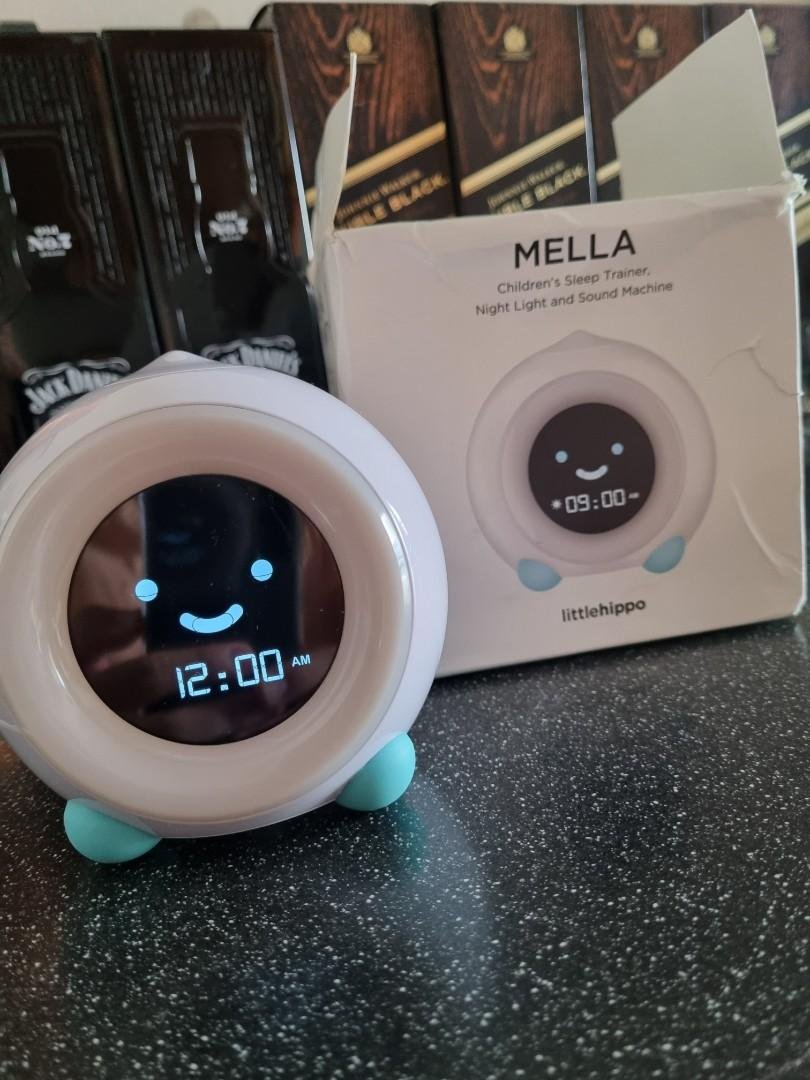
LittleHippo Mella: the ready-to-rise sleep trainer clock for kids
Discover the Mella sleep trainer clock by LittleHippo. Ready to rise features, sleep sounds & night light in one. Buy Mella now and help your child sleep longer!
How to train toddler sleep: the best method for your toddler
Discover effective toddler sleep training tips and step-by-step methods to help your toddler fall asleep independently and stay in their own bed all night.