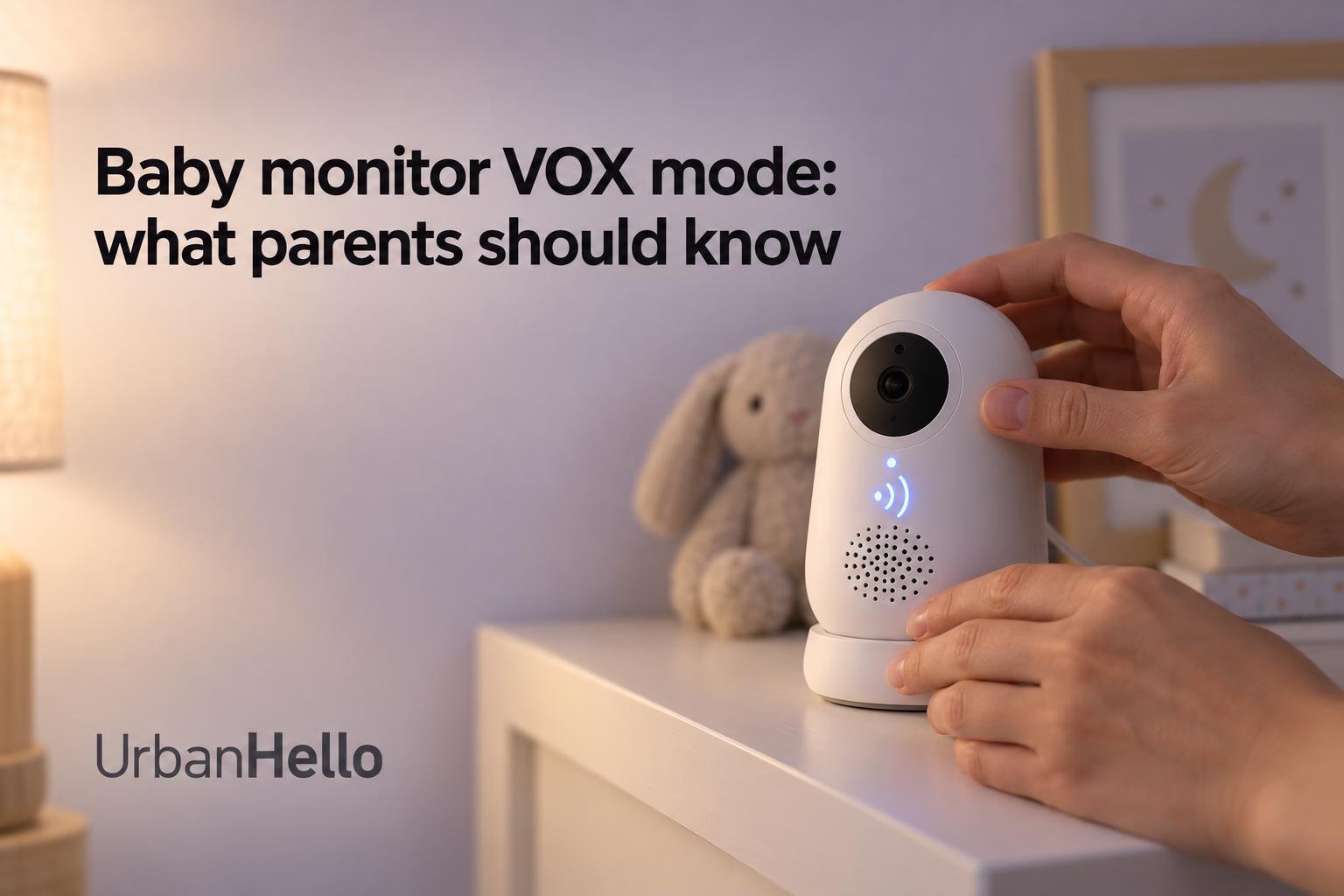
Baby monitor VOX mode: what parents should know


Knowing how a baby monitor's VOX mode decides when to let nursery sound through makes nighttime alerts easier to understand. This guide explains what triggers the feature and which parent-side functions switch on and off. It also covers how to set and test sensitivity, and what to check before you rely on a Wi-Fi monitor such as REMI, our app-controlled audio monitor.
What does VOX mode do on a baby monitor?
VOX, short for Voice Activated Alert, is a gate between the nursery and you. The baby monitor keeps the parent side quiet until sound in the room is loud enough to matter. Then it switches the audio feed on. Knowing what opens and closes that gate tells you what you will hear during the night and what you might miss.
What makes VOX activate?
The feature relies on the microphone in the baby unit. When crying, babbling or fussing reaches the threshold you selected, the parent-side output switches on. Your baby does not need to make a particular sound. VOX on a baby monitor is a sound-level rule, which means any noise loud enough to cross the threshold can activate it.
A quiet parent unit does not mean the nursery microphone has stopped listening, because the baby unit keeps detecting sound while the speaker or screen is off. Sounds below the threshold stay filtered out, though. This is what VOX mode means in practice: it relays sounds above a level you choose, not every sigh or murmur your child makes.
What turns off and back on?
What switches off during quiet periods depends on the model. On some monitors, a qualifying sound opens the parent speaker. On others, it wakes a display, resumes transmission, or does several of these things together. VOX does not always cut both audio and video. A dark screen in a sleep mode can also run alongside continuous nursery audio, which is different from a gate that keeps the audio silent until sound crosses the threshold.
Timings vary as well. One documented monitor stops audio transmission and turns off its display after about 30 seconds without detected sound. Another turns off its sound-activated display after 50 seconds. Both figures measure the wait after the room goes quiet. Neither is a delay before a new cry is detected.
How does VOX differ from other alerts?
Continuous audio lets you hear quieter sounds and the gradual build-up before a cry, along with ordinary room noise. VOX cuts out much of that background sound, but soft events may go unheard. Cry detection works differently again: it tries to recognize crying itself rather than react to volume. One documented smart feature waits for at least 3 seconds of crying and then for a 60-second silence before it sends another notification. These timings belong to that feature only.
The alerts above all depend on a working connection. If the radio link between a baby unit and a dedicated parent receiver drops, VOX cannot restore it. Before the first night, check separately how your model signals a lost link or an out-of-range receiver.
How should you set VOX sensitivity?
Sensitivity decides which sounds in the baby room count as worth relaying. The right setting depends on your child's age, how lightly they sleep, and the usual noise in your home. Finding it takes a setting that suits your situation and a short test in the conditions your child actually sleeps in.
Should sensitivity be low or high?
VOX mode on a baby monitor works by comparing each sound with a detection level. High sensitivity lets quieter sounds through. Low sensitivity waits for louder ones. This setting controls detection only; the loudness of the parent speaker is set separately. Before you change anything, note the default setting so you have a reference point for testing.
- High sensitivity: catches soft stirring but also reacts more often to fans or passing traffic.
- Low sensitivity: cuts down on false alerts but may let quiet baby sounds go unrelayed.
- Available levels: some models offer Low, Medium and High, others a different number of steps or a VOX Off option.
- Numbered levels: a "3" on one monitor is not the same sound threshold as a "3" on another model.
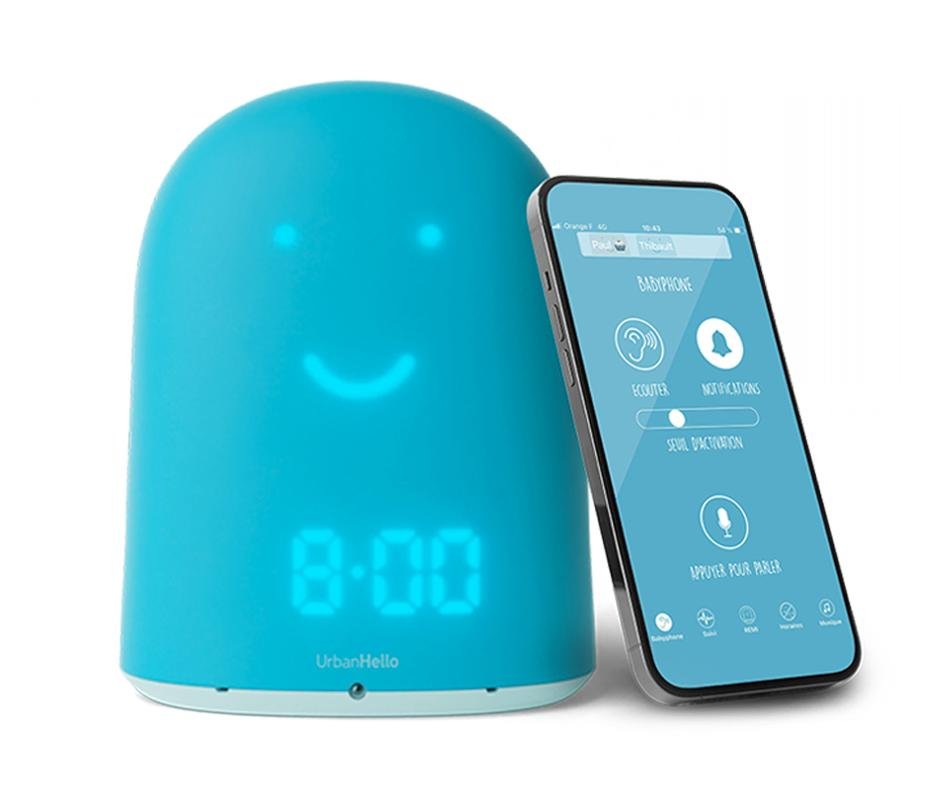
On REMI, we suggest a sound-alert threshold of about 10% to pick up the first signs of waking, before full crying starts. About 70% suits a child who is playing loudly or shouting, not a newborn. These values apply to REMI's slider only and are not universal VOX thresholds.
How can you test the setting?
A reliable test changes one condition at a time. The test begins with the baby unit in the spot where it will sit overnight, and with how it responds in a quiet nursery. Then add the fan, air conditioning or white-noise machine you normally run during sleep.
- Two kinds of sound: use a soft, realistic baby sound and then a louder cry. Tapping the device does not test the sounds you want to hear.
- Fixed conditions: keep the placement and the parent-side volume the same while you compare sensitivity levels.
- A simple tally: for each level, count the wanted activations, the nuisance alerts and the test sounds that were missed.
The last check is the alert heard from where you actually sleep or work, not from beside the crib. An alert that is clear in the hallway can be easy to miss behind a closed door or on another floor.
What if sounds trigger the wrong response?
White-noise machines are a common cause of unwanted alerts. Turning the machine down, or lowering the monitor's sensitivity to medium or below, usually helps. If real sounds are going undetected, try moving the baby unit, then repeat the test after any change to its position or to the room's usual noise. As you reposition it, the U.S. Consumer Product Safety Commission warns that monitor cords can pose a strangulation hazard, so keep the unit and its cables out of your baby's reach.
Even a well-tuned setting has limits, because VOX monitors sound, not health. The FDA says it has not cleared or approved any baby product to prevent or reduce the risk of SIDS. The American Academy of Pediatrics advises against using home cardiorespiratory monitors as a way to reduce that risk.
What should you check in a Wi-Fi baby monitor?
With a Wi-Fi baby monitor, sound travels from the nursery through your network to an app on your phone. Each step in that path can affect whether an alert reaches you. The checks below use REMI as the example and separate the features we describe from the behaviors that still need testing in your own home.
How do REMI’s sound features work?
REMI's VOX mode sends sound to the phone only when the baby makes noise, which shows how VOX mode works on an app-based monitor. The REMI audio baby monitor also sends configurable sound notifications. These notifications are a separate feature, so check both when you set up monitoring.
- Threshold: you adjust the VOX sound-alert level with a slider in the app.
- Reset: notification alerts rearm only after sound stays below the threshold for approximately two to four minutes, so one noisy episode does not send a string of notifications.
- Talk: the two-way audio function sends your voice to your child while you hold the Talk button, then resumes listening when you release it.
- Other features: lullabies and the sleep-pattern log support a soothing routine but do not change what activates VOX.
REMI draws power from a wall outlet rather than a battery. That rules out battery life as a concern, but the placement check from the previous section still applies: the unit must stay within cable reach of a socket and out of your child's reach.
Will phone alerts reach you overnight?
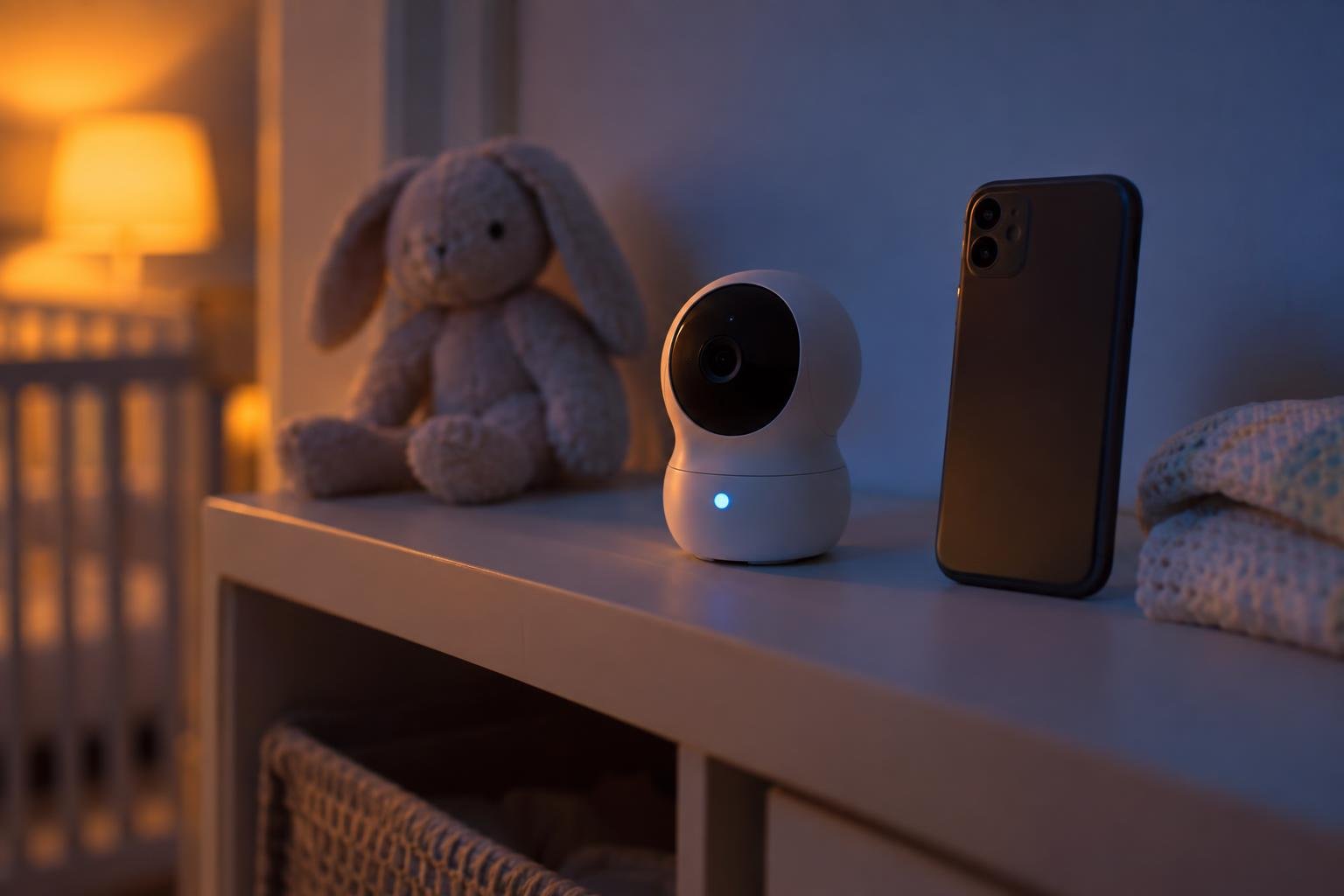
Having sound notifications does not tell you whether a Wi-Fi monitor's audio stream actually switches on and off. Background listening, notifications and VOX behavior should be tested as three separate functions. A phone alert also passes through three stages: the nursery unit detects the sound, the network delivers the event, and the phone displays the notification.
- Pairing and live audio: confirm that REMI is paired and that you can hear the room in real time.
- Alerts and permission: turn on the sound alerts you want and allow notifications for the app on your phone.
- Phone states: test with the phone locked and unlocked, and with the app open and running in the background.
- Your usual settings: keep your normal notification volume and Do Not Disturb or Focus mode on during the test.
A real nursery sound is best tested with the phone locked, since that is how it will usually be at night. If the alert appears only when the screen is on, adjust your phone settings before you rely on it.
What happens if the connection fails?
The connection type decides what a failure looks like. A local radio-frequency monitor sends sound to its own receiver without internet access and typically covers approximately 500–1,000 feet in open air. Walls and floors reduce that range. A Wi-Fi monitor lets you listen from a smartphone wherever you are, as long as every device involved stays connected.
Weak Wi-Fi in the nursery or an internet outage can interrupt remote listening and alerts. If you want to monitor from outside the home, test your phone on cellular data away from your home network. It is also worth seeing what happens when your home connection drops. These are the same trade-offs covered in our guide to choosing an audio baby monitor.
Security is part of connection reliability. REMI encrypts communication between the app and the device and pairs with your phone through a secure key exchange, so a username and password alone are not enough to connect. For any connected monitor, the Federal Trade Commission recommends checking encryption, authentication and remote-access controls. Urban Hello offers REMI on UrbanHello for parents who want these features in one monitor that can grow with their child.
Frequently Asked Questions
Neither setting is right for every family. The best choice depends on which baby sounds you want to hear and which household noises cause false alerts. Urban Hello recommends a low threshold for newborns or light sleepers when you want to hear early signs of waking, and a higher one for fewer unnecessary alerts during naps. The right level follows your child's age, sleep habits and the noise in your home.
No. There is no universal decibel threshold or trigger delay across monitors, and manufacturers usually describe sensitivity with qualitative levels rather than a dBA value. The ASTM F2951-19(2024) standard covers safety requirements, labeling and instructions for corded baby monitors, but it does not set a VOX activation threshold.
It can. VOX keeps the parent unit quiet while your baby sleeps, and turning off a display between qualifying sounds may help save battery power. How much it saves depends on what your model powers down and how often noise wakes it.
Share this article: